Meta Muse pricing explained: Free vs Power vs Maximum (and which plan you need)
How Meta Muse pricing works: what Muse tokens are, what the Free, Power ($20) and Maximum ($100) plans include, how far each plan goes, how to cancel and get refunds, and how to stretch the free plan with a referral bonus.

Quick answer: Meta Muse has three plans. Free ($0, weekly usage limit), Power ($20/month, 500 million Muse tokens a week) and Maximum ($100/month, 3 billion a week). Most people should start on Free, add bonus tokens with a referral code, and upgrade only if they hit the weekly limit regularly.
How Muse pricing works: Muse tokens
Muse measures usage in Muse tokens. Everything the agent does uses some: reading your messages, browsing web pages, calling connected apps and running long or scheduled tasks. Plans differ mainly in how many tokens you get each week.
Meta doesn't publish a fixed "tokens per task" table, because usage depends on the job:
- A short scheduled brief (calendar plus a few emails) uses little.
- Shopping comparisons, deep research and long reports read many pages and use much more.
The plans compared
| Plan | Price | Weekly Muse tokens | Good for |
|---|---|---|---|
| Free | $0 | Usage limit (reported at about 100 million) | Trying Muse, a daily brief, light tasks |
| Power | $20/month | 500 million | Daily use: inbox, calendar, reservations, regular research |
| Maximum | $100/month | 3 billion | Heavy and long-running tasks, work use, many schedules |
Meta describes the free plan as "free with a usage limit" and hasn't published the exact number; the 100 million figure comes from launch coverage. Some reviewers report that a payment card may be requested even on the free plan. Check the plan page in the app for current details.
Which plan do you need?
- Start on Free if you're new. Set up one or two scheduled tasks and see how far the weekly limit goes.
- Choose Power if you use Muse every day for email, calendar and errands and keep hitting the free limit.
- Choose Maximum only for heavy work: many scheduled tasks, long research, work reports or several connected apps running all week.
A simple test: if you run out of tokens before midweek for two weeks in a row, upgrade one tier.
How to get more from the free plan
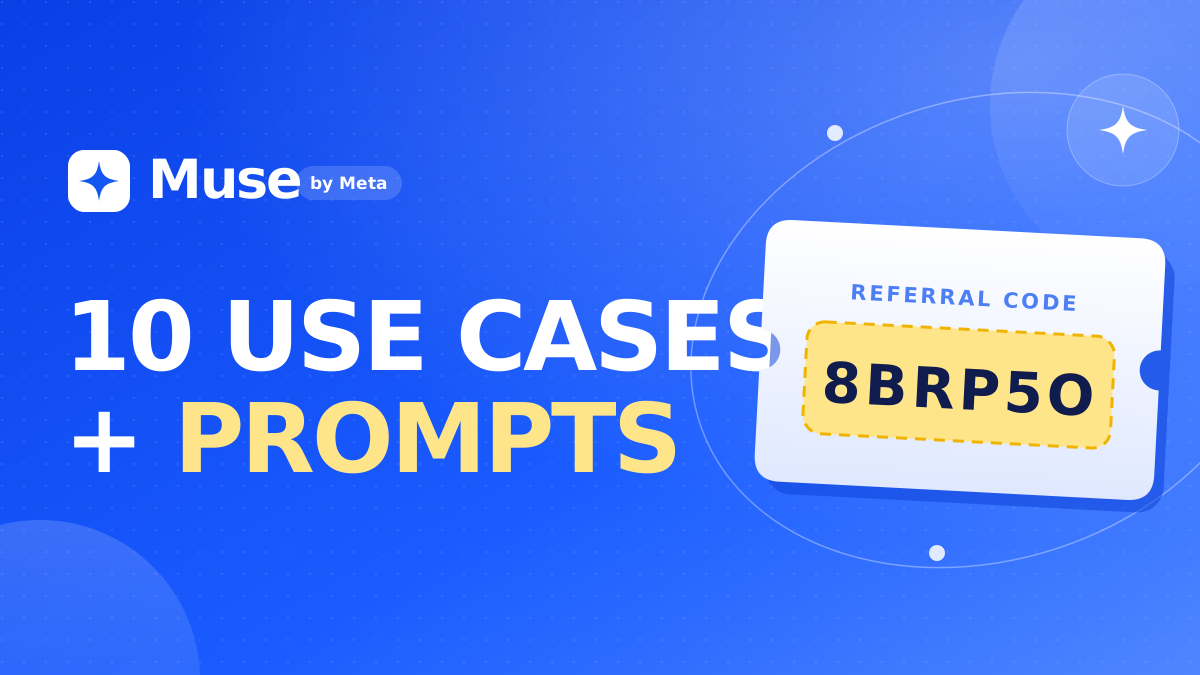
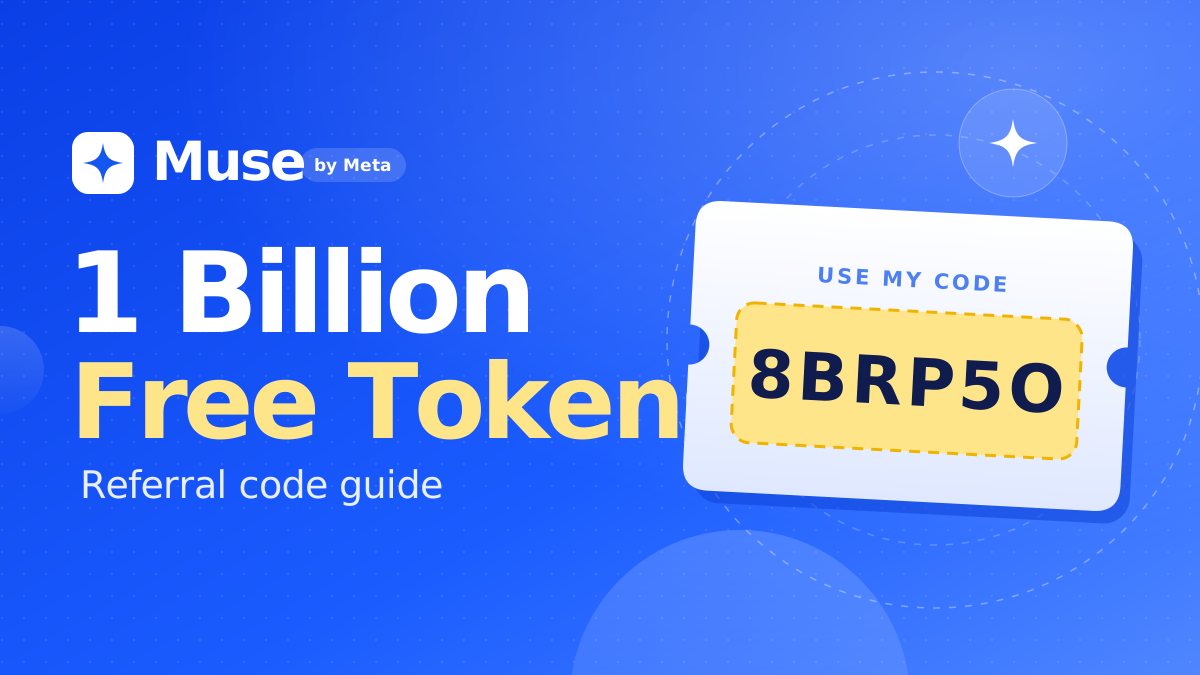
- Redeem a referral bonus. New users who enter a referral code in Settings → General → Redeem invite code within 48 hours of joining get 1 billion bonus Muse tokens. You can use the code in the box on this page (it's my code; we both receive the bonus).
- Keep tasks short: ask for "5 bullet points" instead of long reports.
- Schedule less often: weekly digests instead of daily ones where possible.
- Narrow searches: "3 options rated 4.5+" uses far fewer tokens than "find restaurants".
For prompt ideas that stay efficient, see 10 Meta Muse use cases with prompts.
Cancelling and refunds
According to Meta's help pages:
- Paid plans renew monthly on your original purchase date.
- Cancel on the same platform you subscribed with (iOS, Android or web).
- You keep benefits until the end of the billing period.
- Meta generally doesn't give partial refunds unless the law requires it, and tokens can't be exchanged for money.
If you were charged by mistake, request a refund through the store you paid with (Apple or Google) or contact Meta support.
Is a paid Muse plan worth it?
It's worth it if Muse saves you more time than it costs: for example, if it handles your inbox triage, scheduling and errands every day. If you mainly use it for occasional questions, the free plan (plus bonus tokens) is enough.
Before upgrading, read is Meta Muse safe? to set it up with sensible privacy settings, and compare it with rivals in Claude Duet vs OpenAI Dots vs Meta Muse.
Frequently asked questions
How much does Meta Muse cost?
Meta Muse has a free plan with a weekly usage limit, a Power plan at $20 per month with 500 million Muse tokens per week, and a Maximum plan at $100 per month with 3 billion Muse tokens per week.
Is Meta Muse free?
Yes. Muse has a free plan with a weekly usage limit. You can increase what you can do for free by redeeming a referral code within 48 hours of joining for 1 billion bonus tokens.
What are Muse tokens?
Muse tokens are Meta's usage unit for Muse. Every message, web page, tool call and task uses some, and plans differ in how many tokens you get each week.
What is the difference between Muse Power and Maximum?
Power costs $20 per month and includes 500 million Muse tokens per week. Maximum costs $100 per month and includes 3 billion Muse tokens per week, six times more, for heavy and long-running tasks.
Can I get a refund for Muse?
Meta generally doesn't give partial refunds for Muse subscriptions unless required by law. After cancelling you keep your benefits until the end of the billing period. Cancel on the same platform you subscribed with.
How do I get free Muse tokens?
Redeem a referral code in Settings → General → Redeem invite code within 48 hours of creating your account. Both you and the referrer receive 1 billion Muse tokens.

Comments